Showing posts with label computers. Show all posts

Monday, August 1, 2011

Reporting Problems... the right way.

Attention everyone!


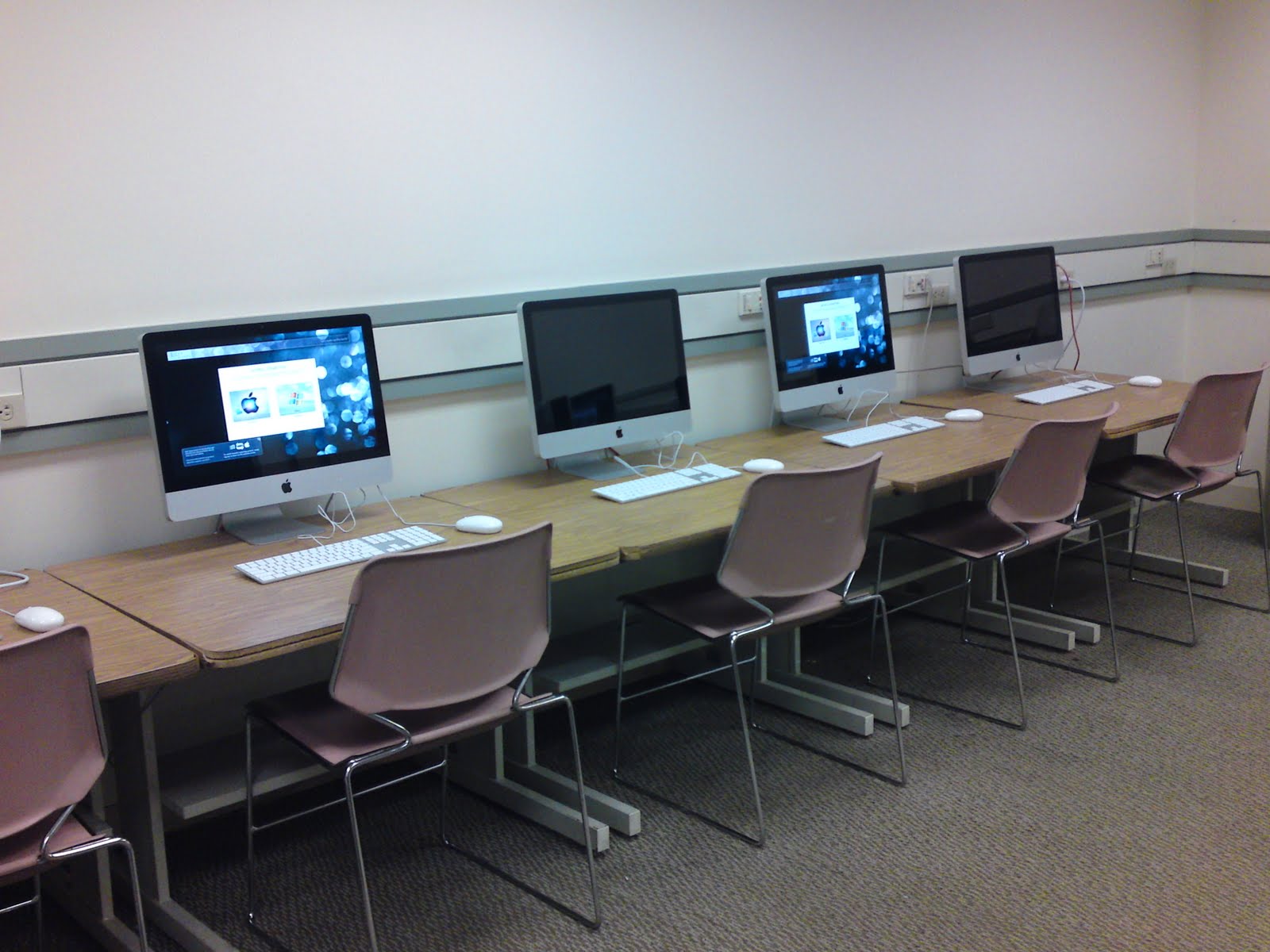
If you are reading this, that means that you are using one of the computers in the computer lab.

I want to thank you all for being so patient and diligently reporting issues with the computer labs/classrooms and printing.  It is your continued communication that provides very important feedback and allows us to address any technical concerns that may arise.

Unfortunately, as important as it is to report these technical issues, it is by far more important to be aware of HOW and WHAT you report as every single bit of information that can be provided will give us a better idea of how to service those concerns.


HOW---?
You can call:    617.349.8770 and leave a message or talk to a call-center representative.
You can email:   ut@lesley.edu (PREFERRED METHOD)

You can chat:    visit:  http://smartipantz.perceptis.com/lesley and click "Live Chat" 


WHAT---?

Regardless of your preferred methods, at the very least, you should be able to provide this information:
1)  Where are you located (specifically the building and room#).
2)  Your name and username
3)   Time/Date of the incident
4)   Your operating system (Windows/Mac)
5)   The application/software you are using --- e.g. Firefox, Adobe Reader, Microsoft Word
6)   The website (if applicable) and/or the specific FILE (name, type--- e.g.   something.docx)
7)   The exact steps you took in as much detail as possible ---- e.g.  I downloaded the PDF attachment from my email, clicked "OK" to open, got an error message.
8)   If there was an error message, tell us exactly. (and i mean EXACTLY) what the error message said.------


Example-----
A commonly reported problem is that a print was sent, but that it never came out of the printer.

Incorrect report:
"I tried to print to the printer on the 3rd floor, it didn't come out.  I waited for 10 minutes, and nothing happened.  It took money off of my account, and I want a refund."

Correct report:
"I was in the Computer Lab on the 3rd Floor of Doble Hall, Room # 309 when I tried to send a print from Windows.  I downloaded the file from my email using Internet Explorer, and I opened the file using Microsoft Excel.  I clicked "File" then "Print" and I "okayed" the Print box and typed my username and password.  Then clicked "OKAY" after the price popped-up.  A couple of seconds later, a pop-up came up on the bottom right hand side of the screen that said it printed okay, but I waited for 10 minutes and nothing happened.  The cost of the print was $0.50 and I would like a refund.  My username is "somethingsomething" and the file name was "somethingelse.xlsx."  On my print account, it shows that it printed to DOBL-309 at 8:00am on August 2, 2011.  Please advise."

Incorrect report:
"The projector doesn't work.  My class starts at 6p in University Hall."

Correct report:
I was getting my materials ready for my class when I tried to connect my laptop to the black box.  I turned the box on and the projector came up.  I connected the cable from the drawer to the wall plate that was labeled "Laptop 2", then connected the other end of the cable to my Mac Adapter, and plugged my mac Adapter into my laptop.  The screen on my laptop changed blue, and then all of a sudden my icons were very large.  I pressed "Laptop 2" on the blackbox, and the projector attempted to switch, but I got no image.  Only a blue screen.   My name is Something S. Something, and I teach Something 0000-00.  My class starts at 6p, and we are located in University Hall room 3-086.  If possible, please send a technician to assist, or call me back at 000-000-0000.

With the examples above, there is a lot more information....  *we are sorry if it takes you 5 minutes to articulate this.... but this kind of information allows us to 1)  Fix your account--- we have an idea for what processes need to be done, or what materials need to be considered;  then 2)  go back and see if there is anything that we can do to prevent this from happening in the future.  Any less information, we will never be able to resolve any issues, and the problems will persist.


Please do your community a service by helping us help you better!  Report ALL information that you possibly can when reporting technical issues. 

Wednesday, July 13, 2011

Summer Computer Lab Fixes

We have had numerous reports of issues that need to be resolved in our computer labs.
Some of the known issues that we have encountered:

  • Microsoft Office 2010 Activation Notifications
  • Action Center Notifications
  • IE9 Configuration
  • Print Systems desynchronized
We are going to be doing a massive sweep of these fixes in the next couple of weeks.

  • WOLF-204- 07/15/11
  • WOLF-203- 07/18/11
  • DOBL-309- 07/14/11
  • DOBL-413+DOBL-415- 07/19/11 
  • Training Room (UNIV-3-084) - 07/20/11
  • Doble Information Commons - 07/21/11
  • Mollye Lichter Block Computer Lab - 07/22/11
  • Reading Room (UNIV-3-069) - 07/23/11


As we make these improvements, please seek alternative computing spaces.
Thanks for working with us!


Thursday, April 21, 2011

Labs & Classrooms Q2 Update!


Howdy, folks--

Hope you all are doing well.
The semester is coming to an end... Seems to pass by so fast!
We here in the Labs & Classrooms division have been working hard to put things together for the upcoming season change.

A couple of things you might find different for the upcoming weeks:


  • WITHIN THE NEXT MONTH
    • We are adding a new Color Laser printer in the Doble InfoCommons
      Our printing records indicate that the INFO COMMONS received the highest volume of printing in the last year (~90,000 pages/1900 jobs).  To help balance the load, we are putting an HP Laserjet cp3525x printer which will allow students to print 300dpi on 8.5x11" color prints
    • We have added 4 new boom-microphone stands to the equipment check-out list.
  • WITHIN THE NEXT 3 MONTHS
    • We are moving one of the HP Laserjet P4015's out of the MollyeLichter 24-hour computer lab and putting it into University Hall Training Room (3rd Floor Lab--- UNIV-3-084)
      There are currently two Black and White printers in the 24-hour lab and only one in the training room.  Normally, this wouldn't be a big deal, but Statistically speaking---
      the Mollye Lichter 24-hour lab's combined printing for the last year is approximately- - 30,000 pages/7000 jobs.   The Reading Room (~160,000 pages/31000 jobs) and UHALL Training Room (~120,000 pages/22000 jobs) represent a significantly larger print load which can be divided a little more evenly.
    • We are building a new image set for the labs & classrooms computers which will include a Dual-Boot Schematic featuring MacOSX 10.6.x and Windows7 Professional NEW!.
      The list of proposed software will include:
      • MS Office 2007/2008
      • MS Office 2010/2011 --NEW!
      • ArcGIS 9.3 (windows only)
      • Kurzweil 3000 (windows only)
      • Inspiration 8;  InspireData
      • Open Source Graphics Package which includes:  GIMP Graphics Editor, InkScape Vector Graphics, Blender 3D, Kompozer  NEW!
      • Cloud Storage Packages:  Dropbox, Flickr Uploader, Picasa  NEW!
      • Google Packages:  Earth 3D, Sketchup
      • Multimedia:  Real Player, QuickTime, iTunes, VLC Media Player, Audacity, Windows Media Player
      • Web Plugins:  Flash 10.x, Silverlight
      • Internet Apps:  Digsby, Pidgin, Skype, FileZilla
      • Web Browsers:  Firefox 4.0 NEW!, Internet Explorer 9 NEW!, Safari 5

        Our goal was to merely.... KEEP IT SIMPLE-- SLIM, SEXY, EFFICIENT.
    • We are also updating PaperCut PrintCharging to 11.x soon.  This will give us a whole range of new interface tweaks and usage upgrades.  Your charge accounts will still exist as they do, but the WebUI will have more features and a fresh look!
  • WITHIN THE NEXT 6 MONTHS
    • We may be looking to acquire additional components for check-out... including, but not limited to:  document cameras, microphones/microphone stands.
Thanks everyone for keeping up with the happenings in the labs & classrooms.
For more information on our operations, please visit our website:

and please feel free to send us a message:  labs@lesley.edu

Take care!

--- Richard Phung
Labs & Classrooms Coordinator
Lesley University

Thursday, March 31, 2011

Bolting these bad-boys down!

Howdy, folks---

I had to take a little more action in preventing the movement of computer workstations from the front of the classrooms in Doble and Wolfard...

People just kept moving them and disconnecting everything.


Now, maybe they will stay put.

Friday, January 14, 2011

Lab Machines Ready for Testing!

Students, Faculty, Staff---

TEST YOUR PRESENTATIONS ASAP---

We have recently re-imaged computers in Wolfard and Doble.
As we understand the software configuration is stable and functioning, it is not unreasonable to expect technical difficulties with opening or viewing files and media on these machines.  These are often due to discrepancies with the version of software used to create the media, the format of the media, and codecs/plugins required to view the media.

*Even though we try to cover MOST bases with our installation, we cannot always guarantee that your media will work on our computers like they do your own computers.---- a common misconception.

To serve the community, we have provided sample machines from each of the computer areas on campus here in our office.
ALL members of the Lesley Community are welcome to come-down and test our computer configurations to see if they will work for your files or presentations.
If there needs to be any updates, we will be here to take requests in-person.


The longer you wait, the less likely we will be able to fix ANYTHING before your presentation or class meeting.

EVERYONE who uses ANY of our computers for any WORK should make an appearance in our office.

We are located on the Lower Level of University Hall (LL-010) and these machines will be here until March 4, 2011


In a letter to the faculty:


Hello, Faculty--
I hope you all had a splendid holiday.

You are receiving this email because our records indicate that you have been assigned one (or more) of the following classrooms as your designated teaching-space for the Spring 2011.

DOBL-309; DOBL-413; DOBL-415
WOLF-203; WOLF-204; WOLF-201
As many of you know, these are rooms that contain computer systems.
To update you on what’s going on, we are in the middle of re-configuring all of the computers, a process that is anticipated to take up the majority of the month of January. 
In an attempt to alleviate any software/hardware problems that may arise with your classroom materials, we have set-aside sample computers in our office (located at the HelpDesk Suite on the Lower Level of University Hall, LL-010) so that you may test your course materials and media PRIOR to the start of the semester.
We invite you to bring your course materials, multimedia, and a list of web-resources and give the computers a rigorous testing.  Any issues that come-up now will be documented and resolved before you start your class.
Here is a list of software that will be present on the computers:

*please keep in mind that without physically testing your media on our machines, there is NO guarantee that your media will function as expected regardless of whether it was made using the same software version or operating system.

On Mac

Adobe CS3 Design Premium -- Acrobat Professional, Bridge, Dreamweaver, Flash, Illustrator, InDesign, Photoshop, Reader 9

Ilife 09 -- Garage Band, iMovie 09, iMovie HD, iPhoto, iDVD, iWeb, iTunes
MS Office 2004 – Excel, Powerpoint, Word
MS Office 2008 -- Excel, Powerpoint, Word
Safari 5, Firefox 3.6 +SilverLight
Google Earth, Google Sketchup, Picasa, Epson Scan Utility
FileZilla, QuickTime 10 +Windows Media Components, VLC, Audacity
Inspiration 8, InspireData, Tech4Learning (KidPix, WebBlender, TimeLiner, Geometer’s Sketchpad, Twist, ImageBlender, Frames, Pixie), Skype


On Windows

Adobe CS3 Design Premium — Acrobat, Dreamweaver, Flash, Illustrator, Photoshop, Reader X
MS Office 2007 — Access, Excel, PowerPoint, Publisher, Word
Internet Explorer 8, Firefox 3.6 +SilverLight, iTunes
Google Earth, Google Sketchup, Picasa, ArcGIS, Kurzweil 3000, Epson Scan Utility
FileZilla, VLC, Audacity, BurnIMG
Inspiration 8, InspireData, Tech4Learning (KidPix, WebBlender, TimeLiner, Geometer’s Sketchpad, Twist, ImageBlender, Frames, Pixie), Skype

These machines will be available for you to test up until January 23rd, by which time we cross our fingers that everything is copacetic.  

Any questions, feel free to contact me directly.

Thank you, and have a great rest of the winter break
P.S.  If you, or anyone else you know, uses the laptop cart for any part of your instruction, a sample laptop cart configuration will also be available to test.
-- 

Richard Phung
Labs & Classrooms Coordinator
University Technology
Lesley University

Ph:  617.349.8819

Fax:  617.349.8989

Thursday, August 5, 2010

where can I find a computer that has photoshop?

As of the Spring 2010, Adobe CS3 is installed on all of the computers in the Doble Building, on the Doble Campus (29-31 Everett St, Cambridge, MA).... this includes the 3 classrooms (309, 413, 415) and the Doble Information Commons.
Coming in the Spring 2011, we will extend our installation of CS3 (and perhaps later versions) on ALL of the Cambridge campuses' computer labs & classrooms BUT there will most likely be a LIMITED # of concurrent seats that can run the software at any given time.

You may also find the MOST recent version of Adobe Creative Suite (CS4 + CS5) on ALL of the computers at the Art Institute of Boston, located at 700 Beacon St and at 601 Newbury St, Boston, MA.

Hope this helps!

Thursday, July 15, 2010

Wednesday, June 16, 2010

Dusty Computers

How ridiculous is this?  We owe all of this to the open windows + pollen in the Doble InfoCommons.
We are working to get this kind of stuff cleaned up...


Posted by Picasa

Tuesday, June 1, 2010

June - Week #1

Today, I am working on updating the software on the Doble computer images.
This "Master" will be applied to all classrooms & lab spaces in the Doble building (DOBL-309, DOBL-413, DOBL-415, DOBL-INFOCOMMONS, and the 24-hour Mollye Lichter Block Computer lab.
And will be ready for FALL 2010

For today:
MacOS---
+OpenXML File Format Converter 1.1.4
+FireFox 3.6.3
+CoolIris 1.11.6
+Safari 4.0.5
+Adobe CS3 Update(s) -- Various programs affected*
+Microsoft 2008 Update 12.2.4
+Bluetooth Firmware Update
+Adobe Updater
+Apple Software Update

Ran ONYX cleaner---
Verified Startup Volume - Check
Fixed Disk Permissions - Check
Cleaned Caches - Check

 =================

Windows XPSP3---
+FireFox 3.6.3
+Uninstall +ReInstall BootCamp 3.0
+Symantec Endpoint Protection
+Windows Update (Various Security Updates & Fixes)
+Installed FlashPlayer 10+configured
+Picasa 3.6
+Sketchup 7.1